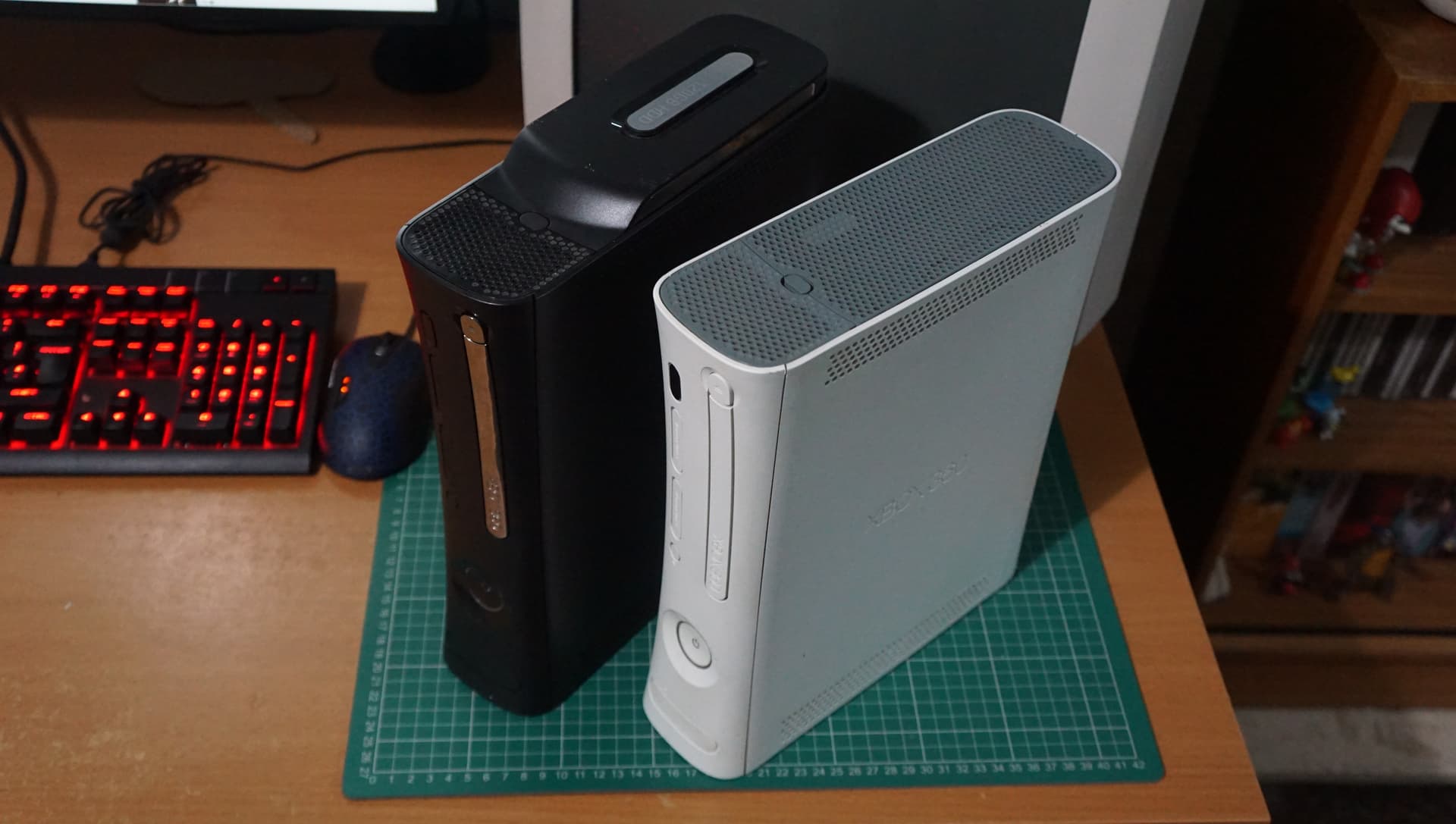
Microsoft Xbox 360 Optical Drive repairs:
I got given bunch of faulty XBOX 360 consoles earlier in the year which had been stored in my shed outside for a good while now.
Most had RROD (Red ring of Death) issues and were very early models that were not worth working on, however there was two Jasper revision consoles that booted fine but had none working drives.
The main one I wanted to work on was a Black Jasper:

Opening 360 consoles is a pain in the backside and I recommend you watch a video showing you how to do it prior to attempting it yourself. I am not going to cover the process here so we are skipping ahead:

The drive can now be removed and turn it upside down to see the 4 screws you need to remove:

Once removed you can open pull the metal case apart into two pieces:

Revealing:

This drive was not salvageable due to various reasons, so I wanted to swap in another optical drive from one of the RROD consoles.
HOWEVER, you can not just swap over an optical drive as Microsoft used a hardware key stored on the epoxied (to prevent tampering) IC on the optical drives logic board that MUST match your motherboard.
So to use another optical drive we need to swap this logic board over:

Carefully using tweezers I unclip the three ribbon cables:

Then de-solder the 6 coloured wires. I mark one of the yellow and white wires with a black marker so I know which contacted to what pad for ease:

After removing two small screws the logic board can be removed from it’s original bad optical drive:

This is then swapped onto the donor drive (there are several models so make sure they match):

Once it is soldered back in and the three ribbon cables are connected we can test the drive:

and we have one working 360 Jasper System!
The second working Jasper console had an disc tray that would not open and struggled to play optical discs.
To fix the disc tray not opening issues we need to change the drive belt.
After opening up the optical drive you can push with a small solid implement this small plastic rail inwards (as pictured below) to easily open the disc tray:

This will give us easy access to the belt:

You can see the comparison of the old (left) and replacement (right) belt below:

Now this drive just needed a laser potentiometer adjustment.
The left one is for DVD and the right one is for CD media:

These are adjusted counter clockwise in very small increments to decrease resistance.
You should take a ohm measurement over the potentiometer before adjusting anything (it should be around 5ohm) and do not go below 3ohm or you risk destroying the laser.
After a very tiny adjustment optical media started to work again:

So after working through 5 junk 360 consoles I managed to piece together two fully working ones: